
























Understanding Embroidery File Formats: DST, PES, EMB, JEF and More Explained
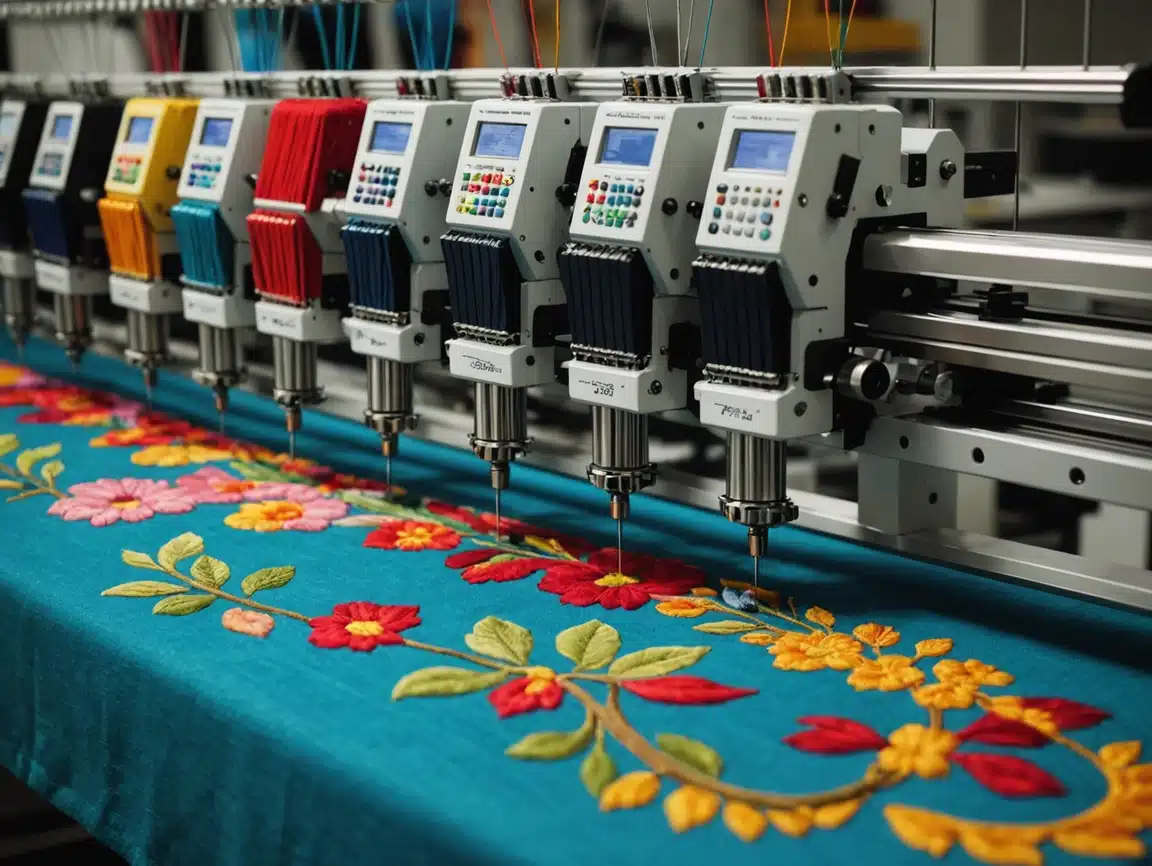
Embroidery file formats play a critical role in how designs are interpreted and stitched by embroidery machines. Many embroidery issues occur not because of machine faults, but because incorrect or incompatible file formats are used. For embroidery machine owners, designers, and production units, understanding embroidery file formats helps prevent errors, improve efficiency, and maintain consistent stitch quality. At EmbroiPlanet, we provide professional embroidery digitizing services for international clients and regularly work with multiple machine formats. This guide explains the most commonly used embroidery file formats and how to choose the right one for your production needs.
What Are Embroidery File Formats ?
Embroidery file formats are specialized files that contain stitch instructions rather than visual artwork. Unlike design files used for printing or graphic design, embroidery formats tell the machine how to move the needle, where to place stitches, and when to change colors.
Why Embroidery Machines Cannot Read Artwork Files ?
Artwork formats such as JPG, PNG, PDF, AI, or SVG only contain visual information. Embroidery machines require stitch-by-stitch instructions, which are generated through digitizing software.
Digitizing converts artwork into embroidery file formats that machines can execute accurately.
Difference Between Artwork Files and Stitch Files
Artwork files describe how a design looks, while embroidery files describe how a design is stitched. Editing an embroidery file without original artwork is often limited, which is why providing correct artwork is important.
DST File Format Explained –
DST is one of the most widely used embroidery file formats in the industry.
What Is a DST File ?
DST (Data Stitch Tajima) is a stitch-based format commonly used by industrial embroidery machines. It contains stitch coordinates but limited color information.
Advantages of DST Format –
DST files are lightweight, widely compatible, and reliable for production environments. They are suitable for most commercial embroidery machines.
Limitations of DST Format
DST files do not store color information in detail and are difficult to edit once created. Any major design changes usually require redigitizing.
PES File Format Explained
PES files are commonly used with home and semi-commercial embroidery machines.
What Is a PES File ?
PES is a format associated with Brother embroidery machines and compatible systems. It supports stitch data along with color and object information.
When to Use PES Files ?
PES files are suitable for users who need color previews and limited editing capabilities within machine software.
EMB File Format Explained –
EMB is a working file format used in professional digitizing software.
What Is an EMB File ?
EMB files store full digitizing information, including stitch objects, color data, density settings, and editable design elements.
Why EMB Files Are Important ?
EMB files allow full editing and modification of digitized designs. They are essential for future revisions or resizing without quality loss.
JEF File Format Explained
JEF files are commonly used with Janome embroidery machines.
What Is a JEF File ?
JEF is a stitch format designed for Janome machines and includes color change information and stitch data.
Machine Compatibility Considerations
JEF files should be used when working specifically with Janome systems to ensure proper stitch interpretation.
Other Common Embroidery File Formats
Different machines and software support additional embroidery formats.
EXP, VP3, and Other Formats
EXP is commonly used with Melco machines, while VP3 is associated with Husqvarna Viking systems. Each format serves specific machine requirements.
Providing the correct format ensures smooth machine operation and consistent stitch output.
How to Choose the Right Embroidery File Format ?
Selecting the correct file format depends on machine type, production environment, and editing needs.
Based on Machine Brand
Always choose a format compatible with your embroidery machine. Using the wrong format may cause stitching errors or file rejection.
Based on Editing and Revision Needs
If future editing is expected, keeping a working file such as EMB is recommended in addition to production files.
Common Problems Caused by Wrong File Formats
Using incorrect formats can lead to production issues.
Missing Color Information
Some formats may not display colors correctly, leading to confusion during production setup.
Stitch Misalignment and Errors
Incompatible formats may interpret stitch data incorrectly, causing misaligned or broken designs.
How EmbroiPlanet Handles File Format Compatibility ?
At EmbroiPlanet, we ensure that digitized files are delivered in formats compatible with client machines and production workflows.
Multi-Format File Support
We provide files in DST, PES, EMB, JEF, EXP, and other required formats based on client needs.
Quality Checks Before Delivery
Each file is reviewed for compatibility and stitch accuracy before final delivery.
How to Request the Correct File Format From EmbroiPlanet ?
Providing clear information helps ensure accurate delivery.
Information to Share
Clients should specify:
- Machine brand and model
- Required file format
- Embroidery size and fabric type
Contact Methods –
You can contact EmbroiPlanet through:
Email – [email protected]
Instagram Direct Message – https://www.instagram.com/embroiplanet
Final Thoughts on Embroidery File Formats
Understanding embroidery file formats helps prevent production issues and improves overall embroidery quality. Choosing the correct format ensures that machines operate efficiently and designs stitch accurately.
Professional embroidery digitizing services like EmbroiPlanet help clients navigate file format compatibility and deliver production-ready files for global embroidery environments.
About Embroiplanet

Latest Posts
Why Using the Same Digitized File for Different Garments Can Cause Embroidery Issues ?
What File Formats Are Required for Embroidery Digitizing?