




























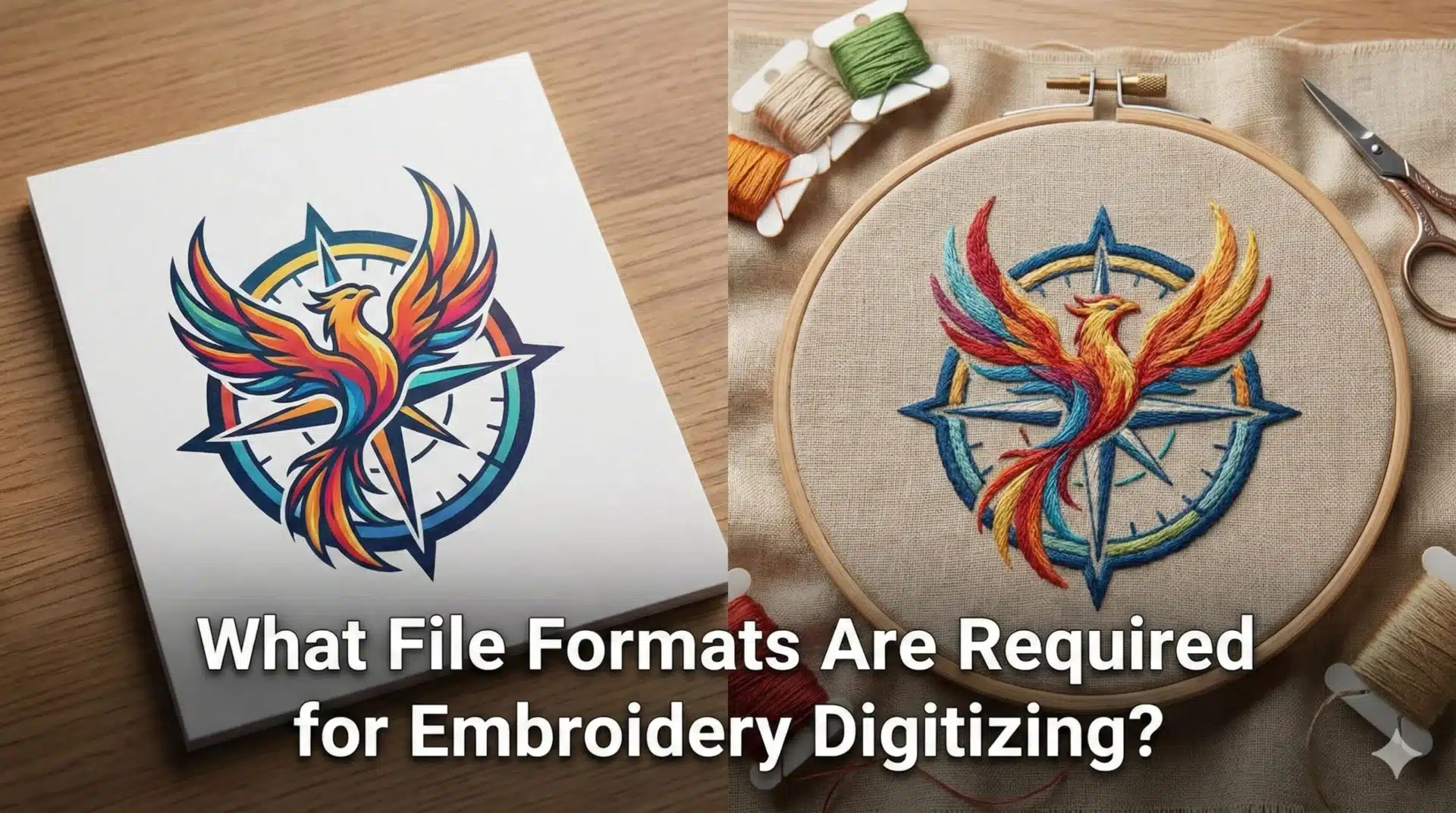
When sending a logo or design for embroidery digitizing, one of the most common questions clients ask is which file format should be provided. The quality of the original artwork directly affects how accurately a design can be digitized for embroidery.
Providing the correct file format helps digitizers create clean stitch layouts, maintain design clarity, and reduce the need for revisions. This blog explains the different file formats used in embroidery digitizing and which formats provide the best results.
Why File Format Matters in Embroidery Digitizing ?
Artwork quality affects digitizing accuracy.
Clean Artwork Improves Stitch Planning
High-quality artwork allows digitizers to clearly define shapes, outlines, and design elements. This makes it easier to plan stitch direction, density, and sequencing accurately.
Providing clear artwork improves embroidery performance.
Poor Quality Files Increase Digitizing Time
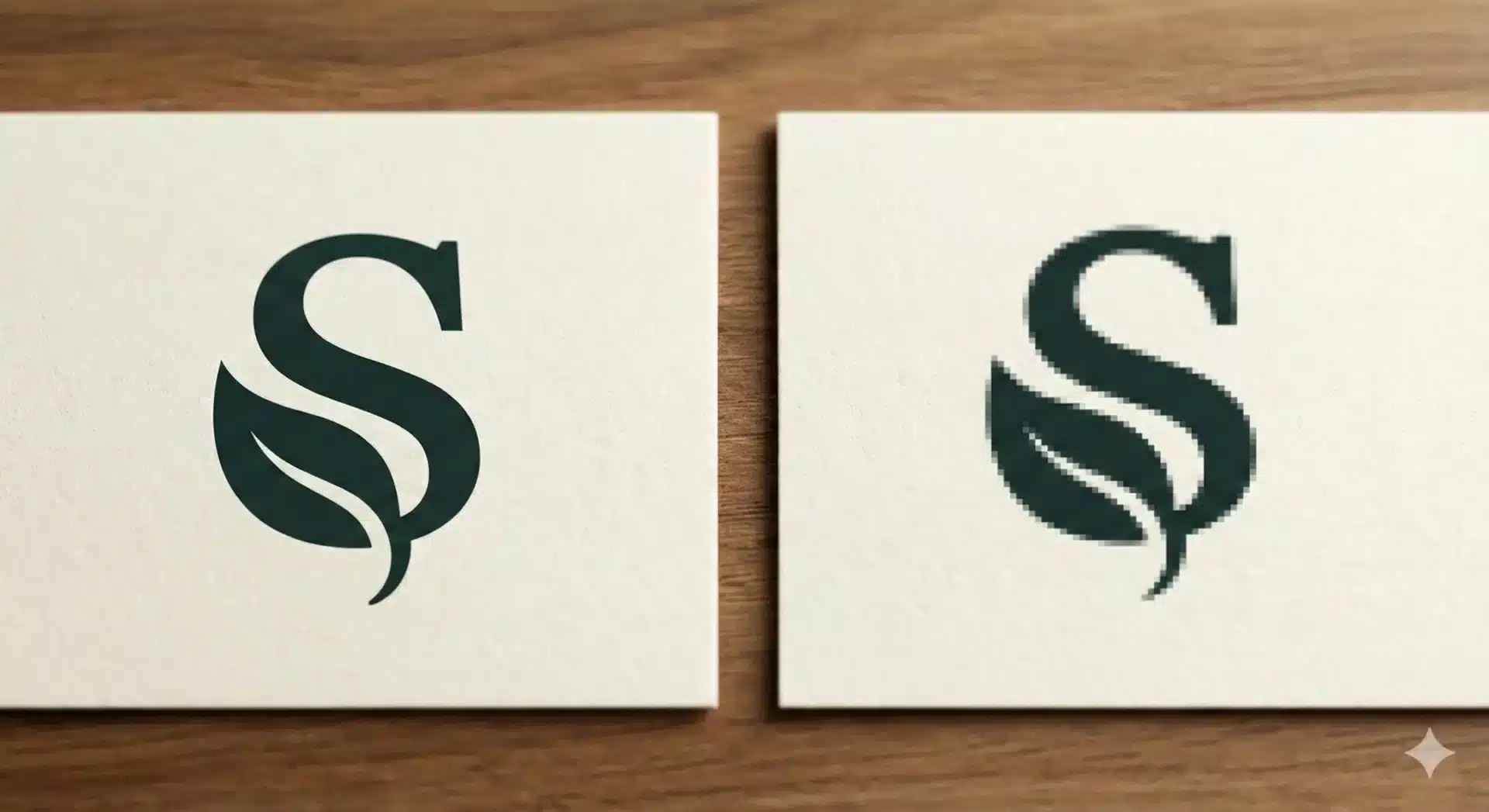
Low-resolution images often require manual interpretation or redesign before digitizing can begin. This increases turnaround time and may affect final embroidery quality.
Providing better artwork reduces delays.
Common Artwork File Formats Accepted for Digitizing
Different formats offer different levels of clarity.
Vector File Formats
Vector formats such as AI, EPS, and SVG contain scalable outlines that maintain quality at any size. These files provide the best results for embroidery digitizing because shapes remain sharp and easy to interpret.
Vector artwork improves stitch accuracy.
Raster File Formats
Raster formats such as JPG or PNG consist of pixels. These files may lose clarity when resized and may require manual adjustments.
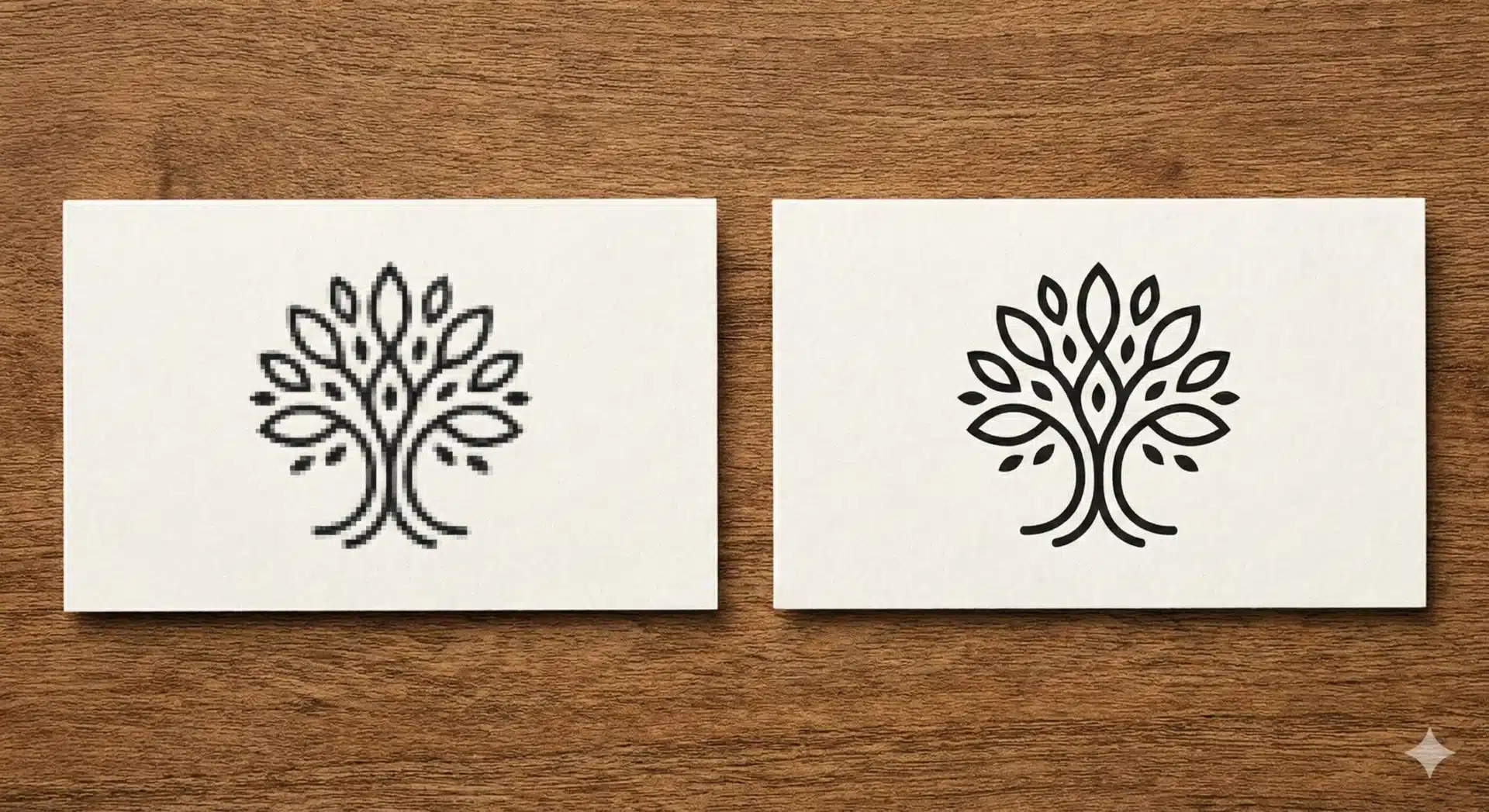
Machine File Formats vs Artwork Files
Embroidery machines use different formats.
Machine Formats
Embroidery machines read file formats such as DST, PES, EXP, or JEF. These files contain stitch instructions rather than visual artwork.
They must be created through digitizing.
Why Artwork Files Must Be Digitized First
Machine files cannot be created directly from images without digitizing. Stitch paths must be planned manually to ensure stable embroidery.
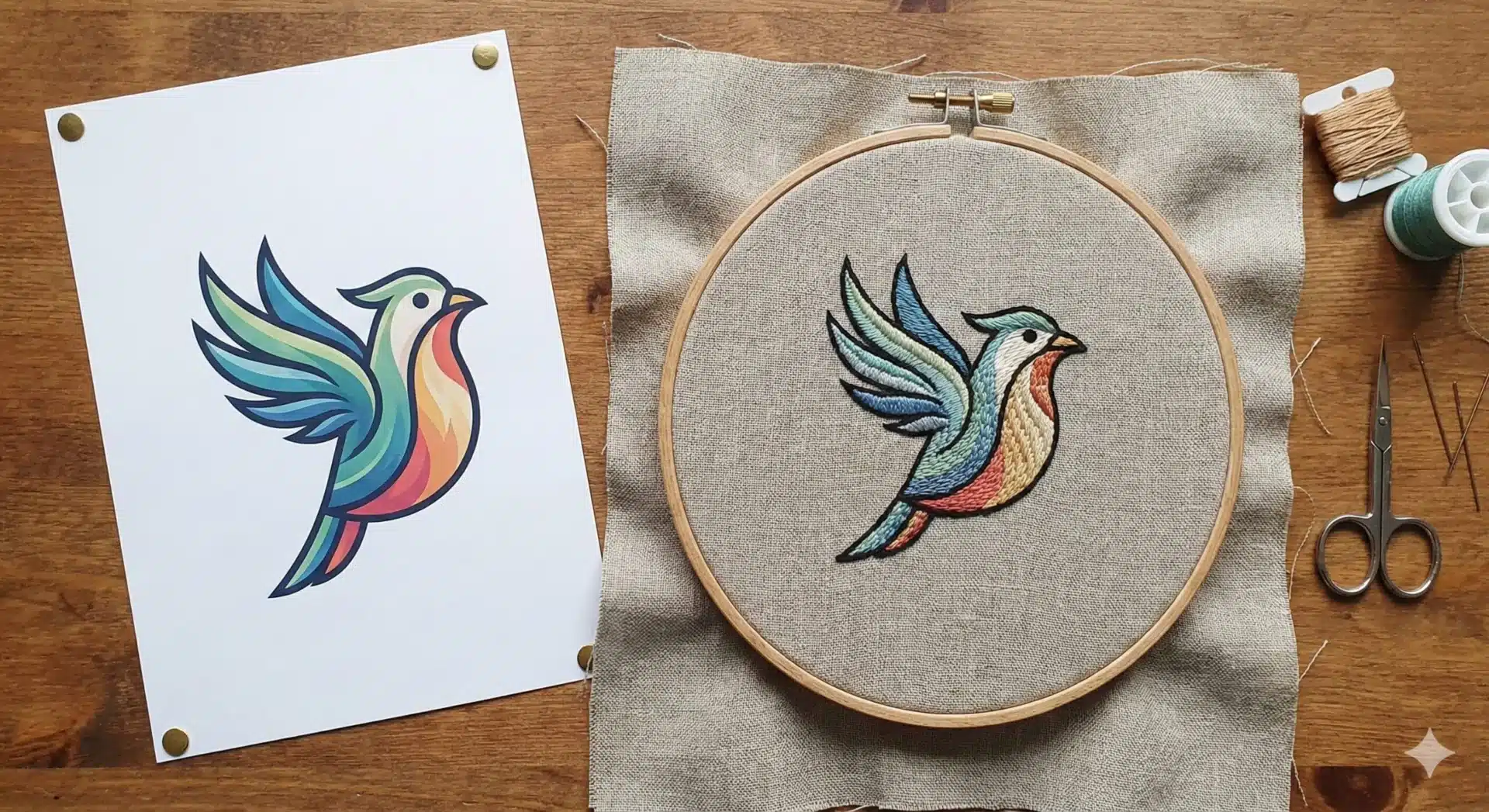
Why Providing Vector Files Is Recommended ?
Vector files improve workflow.
Improved Embroidery Accuracy
Vector files maintain clean edges, resulting in better stitch placement.

How EmbroiPlanet Handles Different File Types ?
EmbroiPlanet accepts various formats.
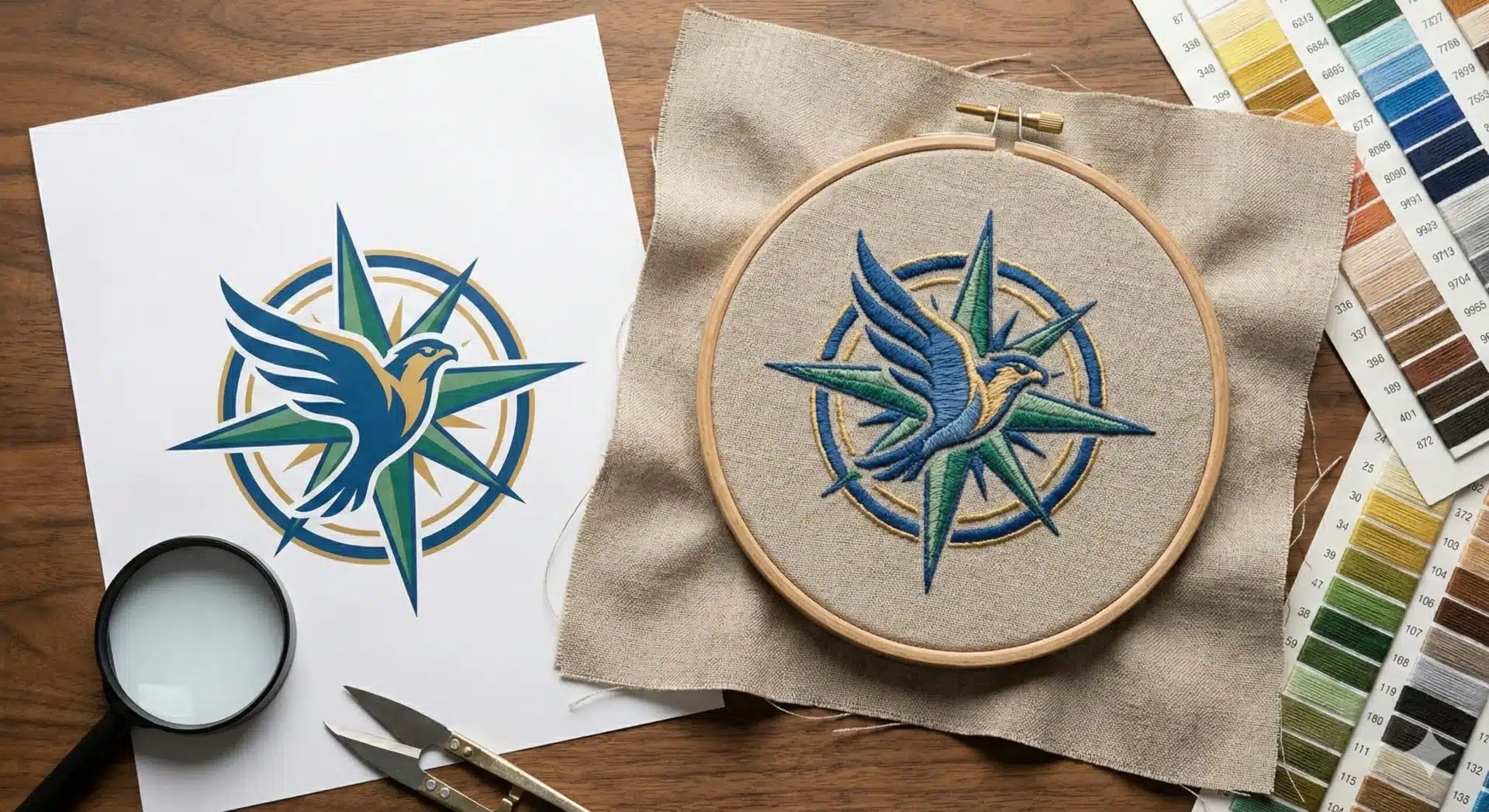
Manual Digitizing from Vector or Raster Files
Designs can be digitized from both vector and raster artwork.
Artwork Review Before Digitizing
Artwork is reviewed to ensure suitability.
Contact Methods
You can contact EmbroiPlanet via:
You can contact EmbroiPlanet through:
Email – [email protected]
Instagram Direct Message – https://www.instagram.com/embroiplanet
Final Thoughts on File Formats
Providing the correct artwork format helps improve digitizing accuracy and production efficiency. Vector files offer the best results, while raster files may require additional adjustments.
EmbroiPlanet provides manual embroidery digitizing services designed to convert artwork into production-ready machine files.
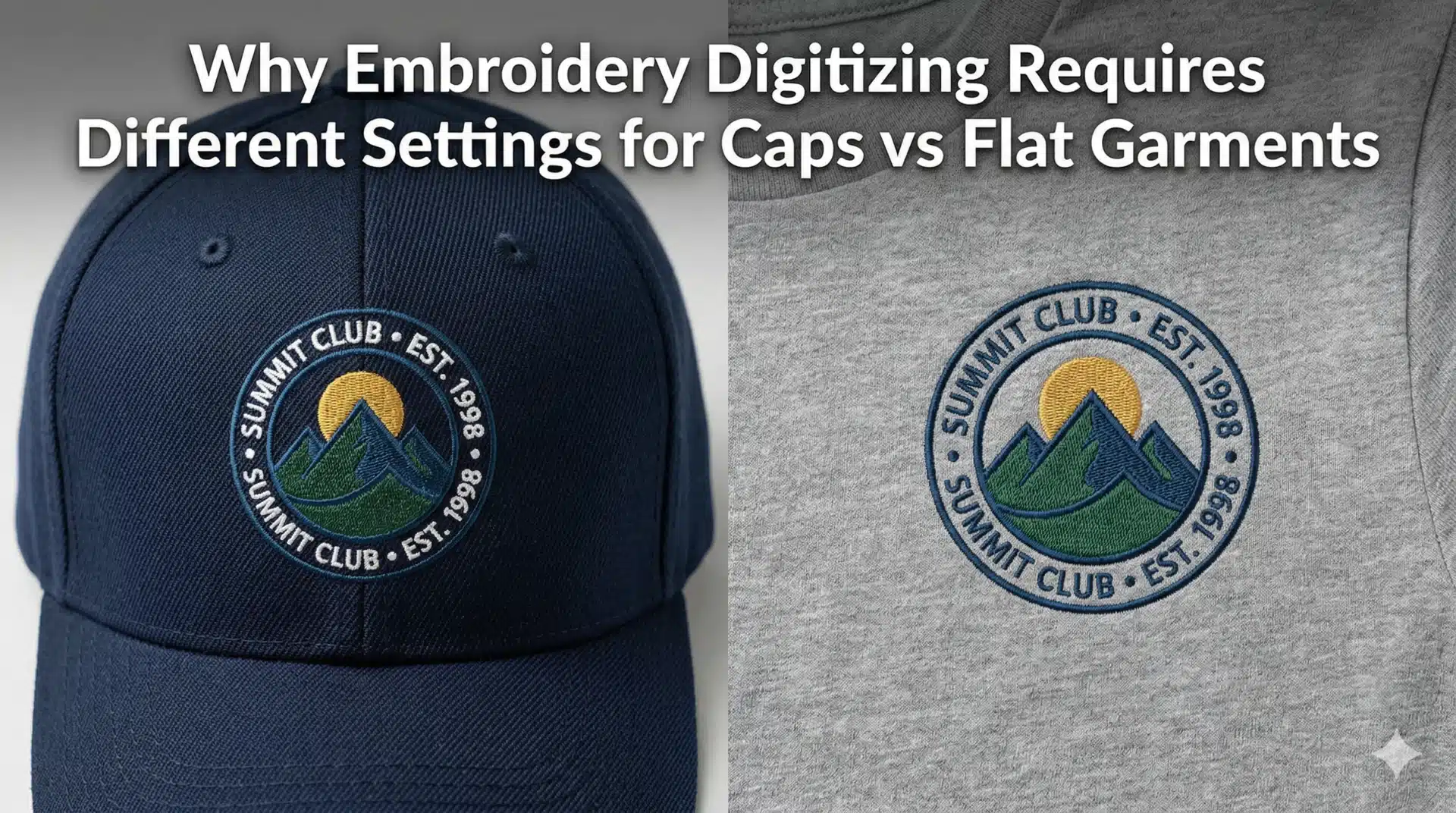
Why Embroidery Digitizing Requires Different Settings for Caps vs Flat Garments ?
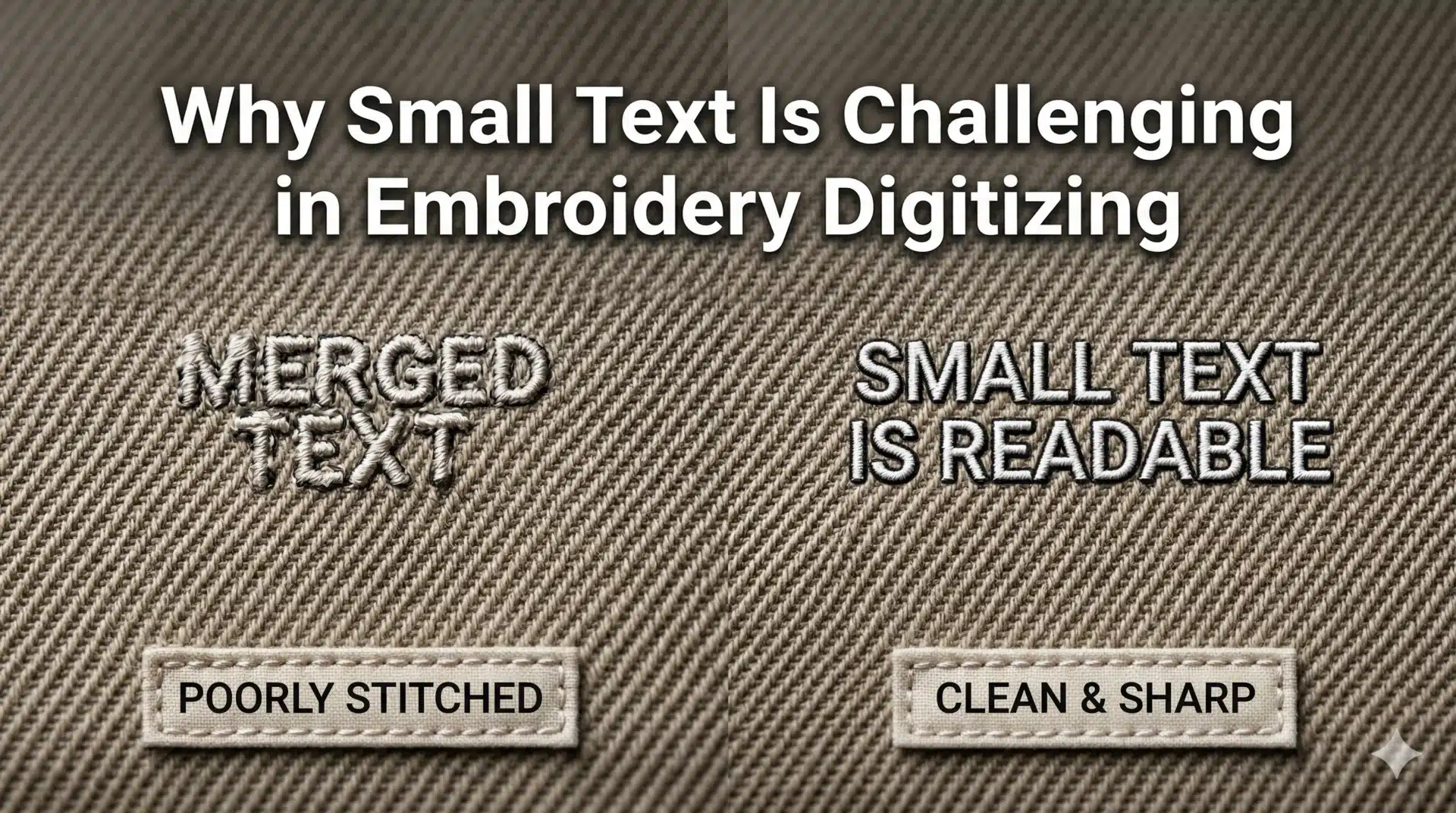
Why Small Text Is Challenging in Embroidery Digitizing ?
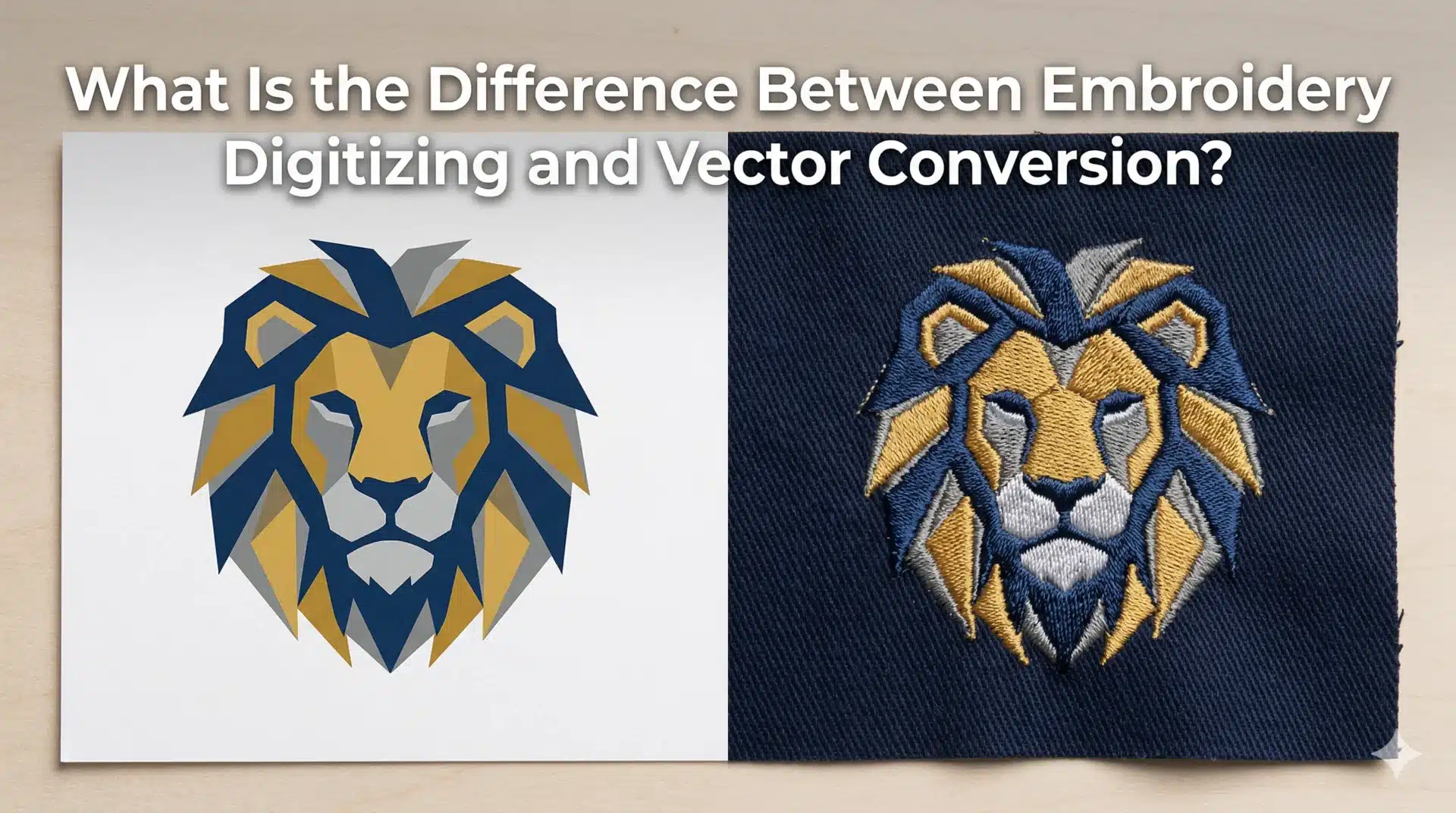
What Is the Difference Between Embroidery Digitizing and Vector Conversion ?